FIG 0.1
Purpose-built
Homes, garages and barndominiums with real proportions: room sizes, door swings, stair runs and ceiling heights that make sense.
Concept design, in your browser
Tell us about your home, garage or barndominium. A few minutes later you are walking through it in 3D.
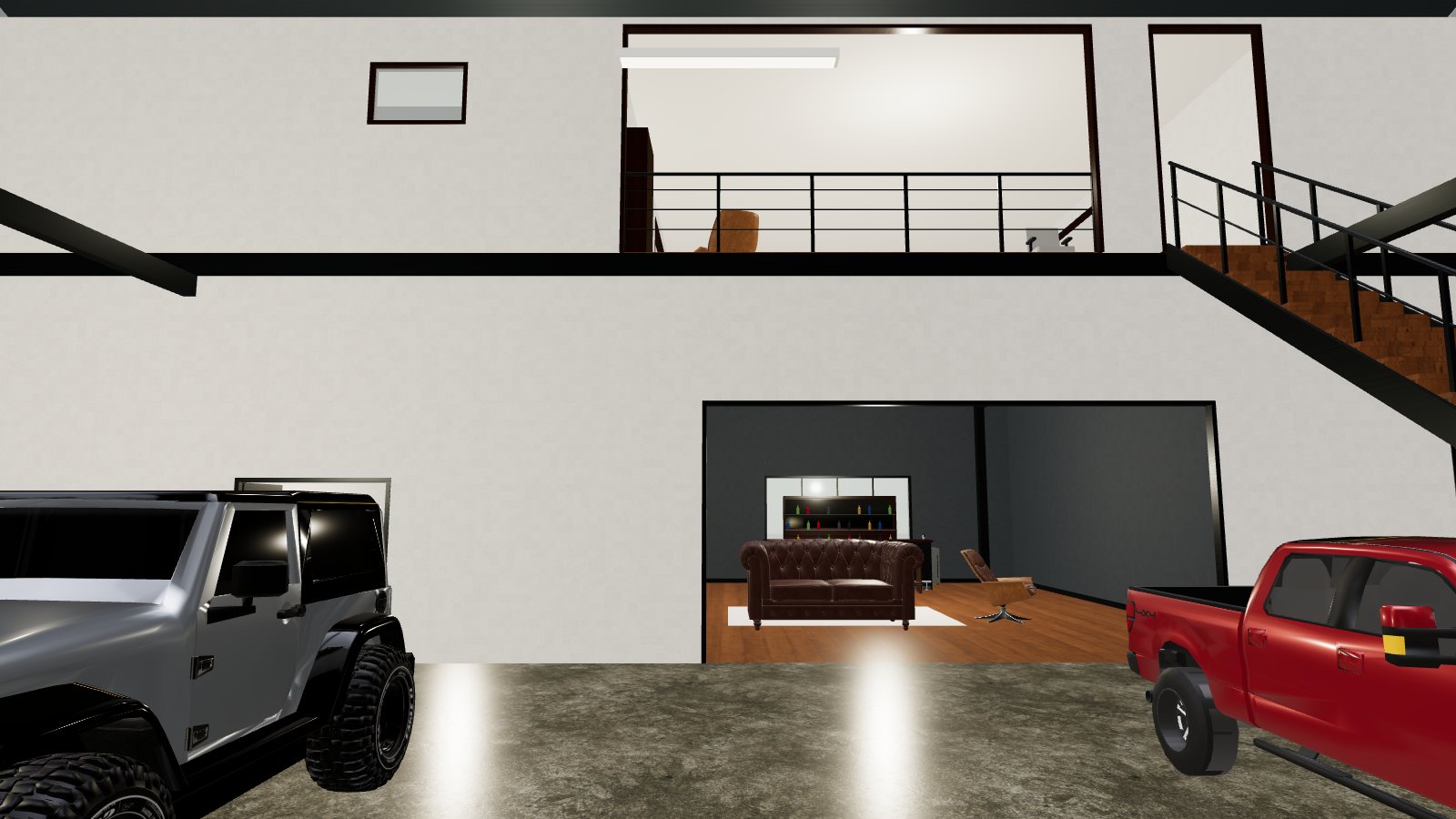
Fig 0.0 — Two-story barndominium: garage with a car lift, bar and lounge, loft above
FIG 0.1
Homes, garages and barndominiums with real proportions: room sizes, door swings, stair runs and ceiling heights that make sense.
FIG 0.2
Your description becomes a structured plan, room by room. Ask for changes in chat and small edits apply instantly.
FIG 0.3
A new design is ready in a few minutes. Every version is kept, so you can compare and restore any of them.
Built for
A new kind of design tool. Not a floor-plan app, not a game engine. You describe the building you have in mind and get something you can actually stand inside — before anyone draws a line.
How it works
01
Write a few sentences: the building, the rooms, what goes where. Plain English is all it takes.
02
The layout is planned, checked for proportions and clearances, then built as a 3D model.
03
Move at eye level with WASD and your mouse, jump between rooms, or switch to a bird's-eye view.
Enterprise
Shared workspaces, client-ready walkthrough links and your own branding. We help your team get set up.
Designs are concept visualizations, not construction documents. See our terms.